
Reviews · Accessories & Charging
Logitech MX Master 4 review: the work mouse finally got a sixth sense
Haptic feedback, the new Actions Ring and the fastest MagSpeed scroll Logitech has made. Here is why the MX Master 4 is the upgrade desk workers have been waiting on.
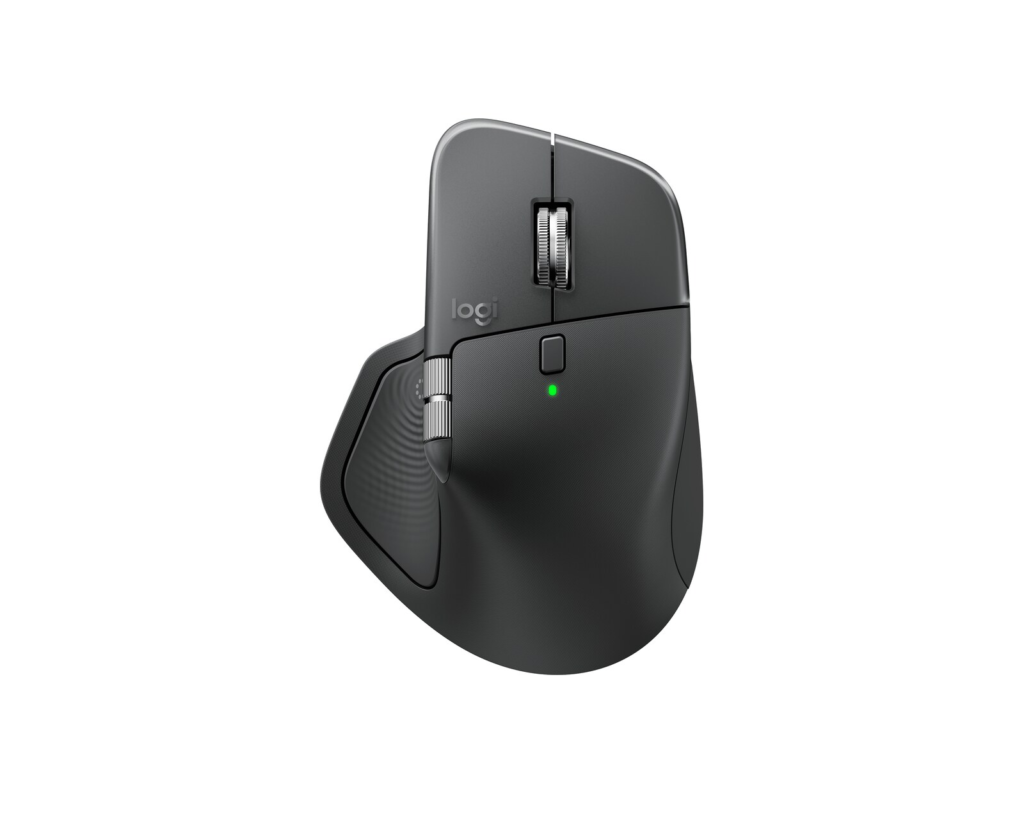 Image: Logitech
- Feedback
- Haptic Sense Panel
- Shortcuts
- Actions Ring overlay
- Scrolling
- MagSpeed wheel, 1,000 lines per second
- Connection
- USB-C receiver or Bluetooth
- Clicks
- Quiet Clicks, 90% less noise
- Design
- Ergonomic shape with thumb wheel
Strengths
- Haptics confirm actions without looking
- Actions Ring puts app tools at your cursor
- Scroll wheel flies through long docs
Watch-outs
- Right-handed design only
- Big shape may feel large in small hands
> verdict Logitech's flagship productivity mouse adds a Haptic Sense Panel and the Actions Ring, so shortcuts live under your thumb instead of buried in menus.
Hands-on testing underway.
A human reviewer is living with the Logitech MX Master 4 through real days, commutes and quirks. The verdict lands here once testing is complete.
The MX Master has been the go-to mouse for people who live in spreadsheets, timelines and design files. Version 4 does not just polish the formula. It adds something new: you can feel it working.
Our AI agent dug through Logitech's specs. The Haptic Sense Panel and the Actions Ring are the real story, and they change how fast you move through your apps.
Logitech MX Master 4 at a glance: how it scores
- 📳 HapticsHaptic Sense Panel
- ⭕ ShortcutsActions Ring overlay
- 🌀 Scroll1,000 lines per second
- 📶 ConnectionUSB-C dongle or Bluetooth
- 🤫 Clicks90% quieter
📳 You can feel the click
The Haptic Sense Panel gives physical feedback on specific actions, shortcuts and notifications. It sounds small. In practice it means fewer glances down and more flow.
⭕ The Actions Ring is the cheat code
Pop up a custom overlay right at your cursor with the filters, tools and shortcuts you use most in each app. Photo editors and video cutters are going to live in this thing.
🌀 Scrolling on another level
Logitech says the MagSpeed wheel scrolls 1,000 lines per second and still stops on a single pixel. Add the thumb wheel for side scrolling and timelines become effortless.
📶 Stronger connection
The new USB-C receiver and upgraded antenna give Logitech's claimed 2x stronger link. Or skip the dongle and go Bluetooth.
✅ Who should buy it
- Editors, designers and spreadsheet warriors
- Anyone who works across several apps all day
- People who want quiet clicks in shared spaces
🚫 Who should skip it
- Lefties
- Gamers who want an ultralight esports mouse
❓ Quick FAQ
Does it work on Mac and Windows? Yes. It connects over the USB-C receiver or Bluetooth, and Logitech also sells a Mac-specific version.
What is the Actions Ring? A customizable on-screen overlay that adapts to each app and puts your most used tools right at your cursor.
🏁 The bottom line
The MX Master 4 keeps everything people loved about the series and adds haptics plus the Actions Ring. If your mouse is your main work tool, this is the one to get.