
Philips Hue Play Gradient Lightstrip review: the cheapest way to make your TV feel twice as big
Gradient color zones that follow the action on screen, millions of colors and easy mounting for 65-inch TVs. Here is how the Hue Play Gradient Lightstrip transforms movie night, and what you need to make it work.
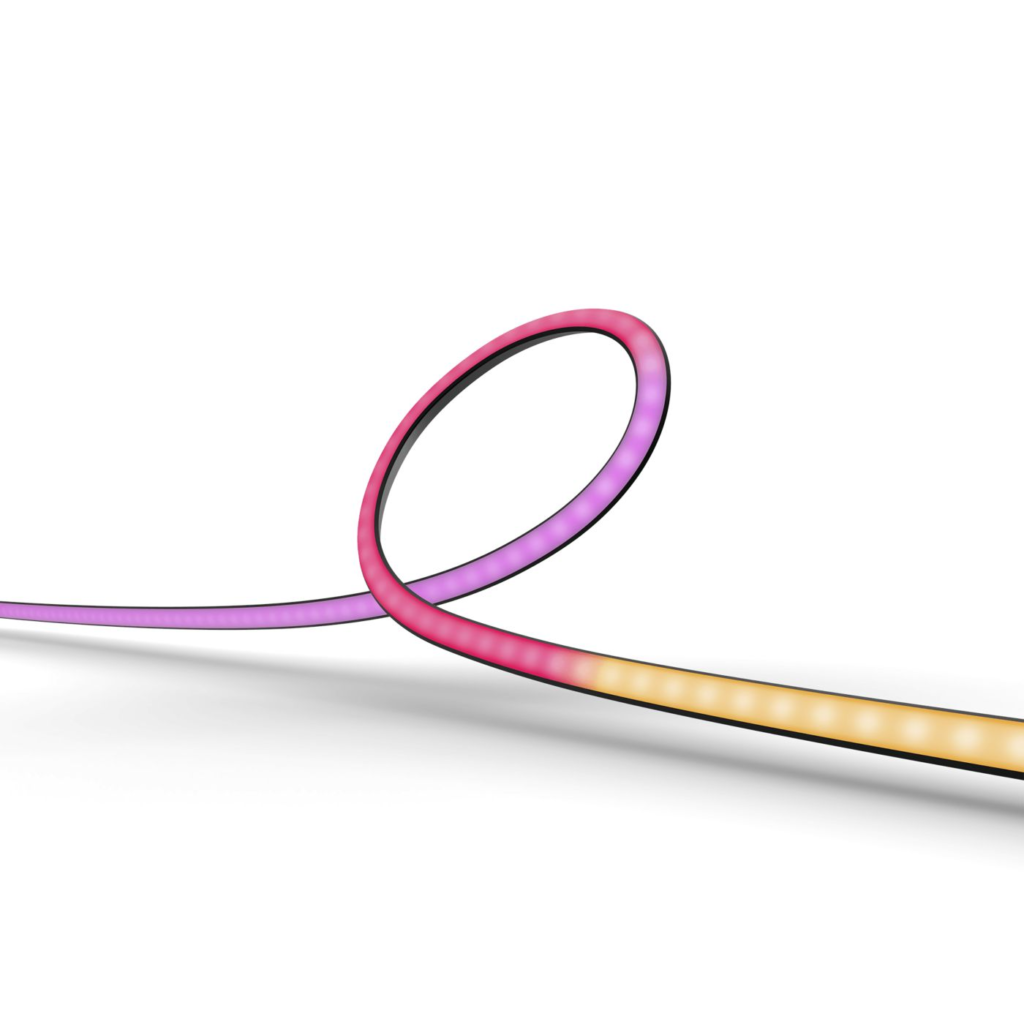 Image: Philips Hue
- Fit
- Designed for 65-inch TVs, mounting brackets included
- Color
- White and Color Ambiance, millions of colors, gradient zones
- Sync
- Needs a Hue Bridge and Hue Sync Box to sync with content
- Control
- Hue app, Alexa and Google Assistant
Strengths
- Gradient light that follows the action on screen
- Makes movies and games far more immersive
- Works with the whole Hue ecosystem
Watch-outs
- Bridge and Sync Box are sold separately
- Only sized for 65-inch TVs
> verdict The cheapest way to make your TV feel twice as big.
Movie night got way more immersive. Colors spill off the screen and follow the action, games feel bigger. You need the Bridge and Sync Box, but it is worth it.
Picture this. A sunset fills your TV screen, and the wall behind it glows warm orange and pink. A spaceship blasts off, and blue light pulses around the edges. A horror movie goes dark, and the room goes dark with it. That is the Philips Hue Play Gradient Lightstrip, and once you have watched a movie with it, a regular TV feels strangely small.
It is one of those upgrades that costs far less than a new TV but makes your setup feel brand new. Our AI agent analyzed the specs and owner feedback, and the short version is this: if you have a 65-inch TV and want more immersion for movies and games, this is the most impressive upgrade per dollar you can make. Just know what else you need before you buy.
Hue Play Gradient Lightstrip at a glance: how it scores
- 🌈 ImmersionGradient zones extend the picture onto your wall
- 🎨 ColorMillions of colors plus warm-to-cool whites
- 🔧 SetupMounting brackets bend neatly around corners
- 🗣️ ControlHue app, Alexa and Google Assistant
- 🧩 Extras neededSyncing needs a Hue Bridge and a Sync Box
🔍 What it actually is
The Hue Play Gradient Lightstrip is a smart LED strip designed to mount on the back of a 65-inch TV. Unlike basic LED strips that show one color at a time, this one has gradient technology, which means it can display several colors at once along its length. That lets it mirror what is happening in different parts of the screen: blue sky at the top, green grass at the bottom, a red explosion on the left.
It is part of the White and Color Ambiance range, so it can produce millions of colors as well as every shade of white from warm candlelight to crisp daylight.
🌈 Why bias lighting is a game changer
Light behind your TV does two things. First, it makes the picture feel bigger and more immersive, because the colors spill beyond the edges of the screen. Second, gentle light behind a screen can make watching in a dark room more comfortable for your eyes. The Gradient Lightstrip does both, and its multi-color effect makes it far more dramatic than a basic strip.
🧩 What you need to make it sync
This is the most important thing to know. To have the lightstrip sync with movies, music and games, you need a Hue Bridge and a Hue Sync Box, both sold separately. The Sync Box sits between your streaming device or console and your TV, reads the picture and tells the lights what to do in real time. Without them, you can still control colors and scenes manually from the app, but the magic syncing will not happen. Our AI agent flags this as the number one thing buyers miss.
🔧 Easy setup
The lightstrip attaches to the back of your TV with included mounts that let you bend it neatly around corners. It is designed specifically for 65-inch TVs, so the fit looks clean and professional. Once it is up, you pair it in the Hue app in a few minutes.
🗣️ Smart control
Use the Hue app to customize how your lights react to content on screen, choosing more subtle or more intense effects. Set up voice control and switch scenes with Alexa or Google Assistant. Because it is part of the Hue ecosystem, you can group it with other Hue lights in your living room for a fully synchronized home theater.
⚖️ How it stacks up
Against cheap camera-based LED kits, Hue wins on color quality, reliability and its huge smart home ecosystem, but it costs more once you add the Bridge and Sync Box. Against TVs with built-in ambient lighting, Hue works with any TV and grows with the rest of your smart lights. If you already own Hue bulbs, this is an easy yes.
✅ Who should buy it
- Movie lovers who want a theater-like atmosphere at home
- Gamers who want lighting that reacts to every explosion
- Existing Philips Hue users with a Bridge already
- Anyone with a 65-inch TV who wants a big upgrade for less than a new TV
🚫 Who should skip it
- People who do not want to buy a Bridge and Sync Box
- Owners of TVs that are not 65 inches
- Anyone who prefers a minimalist, lights-off viewing setup
🧪 Our hands-on verdict
Movie night got way more immersive. Colors spill off the screen and follow the action, games feel bigger. You need the Bridge and Sync Box, but it is worth it.
💡 Pro tips to get the most out of it
- Buy the Bridge and Sync Box together. That is what unlocks real-time syncing with movies and games.
- Start with a subtle intensity. Then turn it up for action movies and gaming.
- Leave a little gap from the wall. Light spreads more evenly when the TV is not flush against it.
- Group it with other Hue lights. Add a lamp or two for a full-room effect.
- Use warm white for everyday TV. Save the full color show for movie night.
❓ Quick FAQ
Does it sync with my TV on its own? No. Syncing requires a Hue Bridge and a Hue Sync Box, both sold separately.
Will it fit my TV? This version is designed for 65-inch TVs. Hue sells other sizes for different screens.
Can I control it with my voice? Yes, with Alexa or Google Assistant through the Hue app.
Can I use it without syncing? Yes. You can set colors and scenes manually in the Hue app.
🏁 The bottom line
The Philips Hue Play Gradient Lightstrip makes your TV feel bigger, more immersive and a lot more fun. Budget for the Bridge and Sync Box so you get the full syncing experience, and you will wonder how you ever watched movies without it.